
Someone asks for a link in your comments. Another person needs to know whether their order will arrive by Friday. Then, a potential client slides into your DMs while you’re busy helping someone else. Each conversation could lead to a sale…but only if you can get people what they need while they’re still interested.
In reality, no one can be online 24/7. So, they turn to a chatbot to help cover the gaps by answering questions, delivering links, recommending products, and following up with interested shoppers on your website or social channels.
All of these use cases are great, but to really make a difference for your business, you need to determine where a chatbot would make the biggest difference. To help you do that, we’ve outlined eight ways chatbots can help increase sales and how to decide which strategy to prioritize for your business.
TL;DR
- You can use chatbots to answer questions, deliver requested links, qualify leads, and help shoppers resolve concerns before checkout.
- With the right integrations and messaging permissions, chatbots can help close sales by following up on abandoned carts, suggesting related products, encouraging repeat purchases, and collecting contacts for future launches.
- The best approach is to identify where leads get stuck in your sales funnel and choose a chatbot that can support that use case.
8 Ways Chatbots Can Help Increase Sales

A sales chatbot can answer questions, recommend products, and help people make a purchase without you handling every message yourself. You might choose one that works for your website or a specific social channel, or use a tool that works across several platforms. Some follow automations you build, others use AI to understand what someone needs. Plenty do both.
Whatever you choose, it needs to make shopping easier for your customers and cut down on repetitive work for you. Here are eight ways to make that happen.
1. Respond while shoppers are interested
When a potential customer asks a question, they shouldn’t have to wait until the next time you check your inbox for an answer. A chatbot can answer a common question immediately or send a link to a website page with more information on the topic.
A 2025 randomized field experiment found that an AI shopping assistant increased sales by 3% and reduced product return rates by 12.55% on a livestream-selling platform, proving that real-time help can improve purchases.
One example of how this could work: keyword triggers. With Manychat, you can set words like “shipping” or “return policy” to trigger automated flows that address frequently asked questions.
- Where to start: Set up automations for questions you answer repeatedly. If there’s a message you copy, paste, and send to followers often, that’s a good place to start. Keep the information current (a fast answer helps only if it’s the right answer) and offer the option for people to talk to a person.
2. Qualify leads before you jump in
Some people are ready to buy; others are just browsing. A short conversation can help you figure out the difference between the two.
You can set up a lead qualification chatbot for your social accounts or your website. The idea is simple: your chatbot asks questions that help make it clear what someone’s current situation is, like “What’s your budget?” or “How quickly are you looking to purchase [x]?,” etc.
Then, your chatbot collects those answers and segments contacts with tags. Those tags can then be used to route leads toward a suitable next step.
- Where to start: Read How to Let Your DMs Qualify Leads While You Sleep to learn how to set up a simple lead qualification flow with Manychat.
3. Follow up on abandoned carts
The average online cart abandonment rate is roughly 70%, likely because adding something to a cart doesn’t always mean someone has committed to buying it; sometimes people are comparing prices or saving ideas.
Either way, you can use your chatbot to guide someone who abandoned a cart toward checkout. Sometimes a reminder about an unfinished purchase is enough. Other times, you may want to offer a return-to-cart link or help with a specific concern, such as delivery or sizing.
- Where to start: Start by looking for a chatbot tool that integrates with your e-commerce platform, whether that’s Shopify, WooCommerce, or another storefront. Check that it supports abandoned-cart reminders specifically, including identifying eligible shoppers and sending them back to their saved cart. Then build one simple reminder that offers help and a checkout link. Choose a tool that clearly explains how to collect messaging permission and set up follow-ups for your chosen channel.
4. Suggest products that make sense together
Ever been scrolling on Amazon or another website and been recommended a product that relates to something you’ve already purchased? There’s an automation behind that experience, and it can be a really great way to drive conversions. Think about it: Someone interested in a camera might also need a compatible memory card; someone buying a beginner course might benefit from the accompanying workbook.
A chatbot can suggest related products based on user behavior. The key is to keep recommendations relevant and easy to decline. Test one suggestion before adding a shopping spree’s worth of extras. Track average order value alongside conversion rate and margin, especially when discounts are involved. Trying to sell more items is only worthwhile when the offer still makes business sense.
- Where to start: Check which chatbot tools integrate with your e-commerce platform and support product recommendations. Connecting the two tools lets your chatbot use purchase history to suggest relevant add-ons. For a simpler setup, build a flow that recommends a complementary item when someone asks about a specific product.
5. Deliver requested links automatically
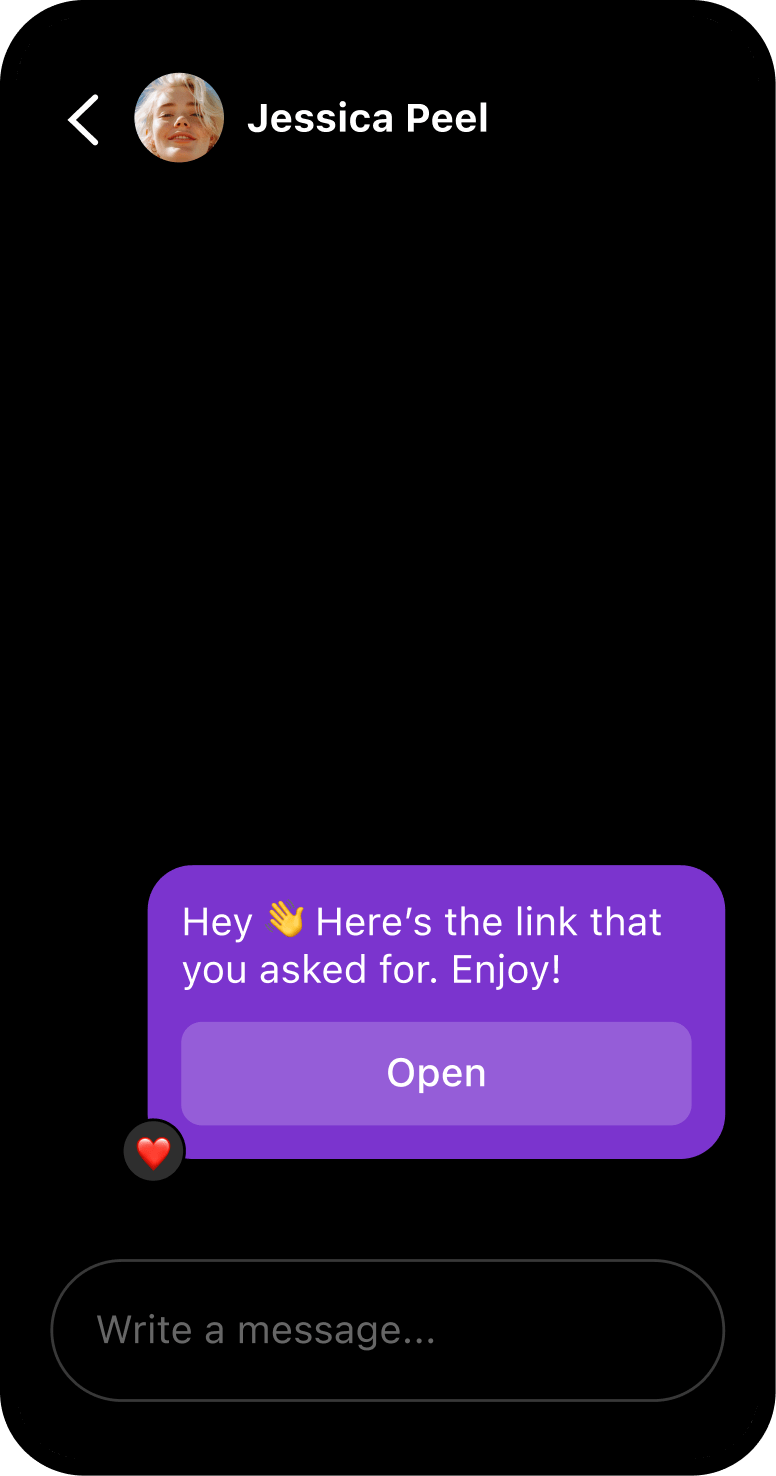
“Link in bio” is an outdated way to get people what they want, whether that’s a link or more information. You’re asking people to leave the feed, visit your profile, and find a link in your bio. Instead, why not automatically deliver that link right to their inbox?
Dani Maya (@con.tan.do.estrelas) set up an Instagram automation using Manychat that led to a 400% sales increase and a 12% lead-to-sale conversion rate. This shows what’s possible with just one strong comment-to-DM flow.
- Where to start: First, make sure you have a lead magnet your audience actually wants, like a checklist, recipe guide, or free lesson. Then, use Manychat to set up an Instagram comment-to-DM automation that sends the link to your lead magnet when someone comments a keyword on your post.
Learn how: How to Set Up a Comment-to-DM Automation on Instagram.
6. Answer the questions blocking checkout
Website chatbots can help shoppers resolve questions while they’re looking at a product or deciding whether to check out. Someone browsing a specific product might need to know whether it works with equipment they already own. Someone reviewing their cart might wonder whether their order will arrive before a trip.
The difference between automations of this nature and general FAQ automations is context. An FAQ bot answers a question someone asks. An automation connected to shopping behavior can offer relevant help based on the page someone is viewing or an action they’ve taken, such as adding an item to their cart. That gives you a chance to address a concern right where it might stop a purchase.
- Where to start: Look for a website chatbot that integrates with your e-commerce platform and supports triggers based on shopping behavior, such as viewing a particular product or adding an item to a cart. You’ll need to install its website widget, connect your store, and supply accurate product information and policies.
Then, choose one trigger and one helpful response. For example, on a product page where shoppers frequently ask about compatibility, offer: “Need help checking whether this works with your setup?” Let shoppers choose whether to engage, and include a way to reach your team when the bot can’t answer.
7. Give customers a reason to return
Customers who’ve bought from you before may welcome a heads-up when their favorite product is back in stock, a reminder to replenish something they use regularly, or a recommendation that complements their last purchase.
To make this work, your chatbot needs access to information from your store, such as purchase history or stock availability. You can then use that information to trigger relevant messages. For example, a skincare brand could invite customers to opt into a reminder to reorder their moisturizer. A shopper waiting for a sold-out size could request a message when it returns.
- Where to start: Choose one reason to reconnect, such as a restock alert or replenishment reminder. Look for a chatbot tool that integrates with your e-commerce platform and supports the specific stock- or purchase-based trigger you need.
Give customers a clear way to sign up for those updates, then create a short message with a link to the relevant product. Check that the tool supports sending those notifications on your chosen channel, including any required message templates. Track repeat purchases and opt-outs to see whether your reminders are welcome and useful.
8. Collect contacts for future launches
A chatbot can help turn someone’s interest today into a way to reach them later — like when you launch something new.
One of the best ways to build an owned contact list is to offer a freebie on social, start a conversation with interested scrollers, and ask whether they’d like to receive future updates. If yes, then you can proceed to collect their email address and/or phone number so you can reach them again.
- Where to start: Choose an offer that relates to what you’ll eventually sell, such as a free lesson from an upcoming course or early access to a product drop. Build a Manychat flow that delivers the offer and asks people to sign up for future updates, making it clear what they’ll receive.
Connect the flow to your email or SMS marketing platform, and tag subscribers by the offer they requested. That way, when launch day arrives, you can reach the people who’ve already shown interest.
Where Could a Chatbot Make the Biggest Difference?

You don’t need to tackle all eight strategies at once. Start with the spot where customers get stuck most often, or where you’re spending too much time helping them move forward.
Step 1. Find the friction
Look through recent DMs, customer support questions, and any sales data you have. What keeps coming up?
- People ask for links, but you can’t keep up: Start with automatic link delivery.
- The same questions come up before every purchase: Automate answers about sizing, shipping, compatibility, or returns.
- You get plenty of inquiries, but few are a good fit: Use a chatbot to qualify leads before your team jumps in.
- Shoppers add products to their carts without checking out: Explore abandoned-cart reminders.
- Customers buy once and rarely return: Try relevant restock alerts or replenishment reminders.
- You’re preparing a launch with nobody to notify: Build a contact list around a related freebie or early-access offer.
- Customers could benefit from something that complements their purchase: Test a relevant product recommendation.
You might identify several of these as opportunities. Pick the one you see most often and have the information to address. If shoppers keep asking whether a product fits their needs, answering that question is a practical place to start.
Step 2. Choose one result to measure
Decide what success would look like before you build anything.
- For link delivery, that could mean more purchases from people who requested the link.
- For lead qualification, it might mean more suitable bookings and less time spent sorting inquiries.
- For a launch, it could mean more subscribers who go on to buy.
Clicks and conversations can help you understand what’s happening, but connect them to the business outcome you want. A busy chatbot isn’t necessarily a useful one.
Step 3. Check what the use case requires
Simple link delivery or FAQ replies can start with messages and information you already have. Cart recovery, purchase-based recommendations, and restock alerts need a connection to your store, plus a supported way to contact eligible shoppers.
Choose a tool based on the job you need it to do. Check its integrations, channel features, and pricing before committing, then test one focused automation. Use the results and customer feedback to decide what to improve (or which of the eight strategies to try next).
Need help choosing a chatbot? Check out these articles:
- Chatbot Pricing: How to Pick the Right Plan Without Overpaying
- The Best Social Media Automation Tools for Creators and Brands
- Top 10 Manychat Alternatives Comparison (Honest Breakdown)
Frequently asked questions
They can. A 2025 randomized experiment found that an AI shopping assistant increased sales by 3% on a livestream-selling platform. That’s evidence of potential, not a guaranteed lift for every business. Track results against your own baseline.
Start where customers already contact you. Instagram suits comment-triggered link delivery, while WhatsApp supports eligible business messaging, and Messenger supports ad-to-chat conversations. Features and permissions differ, so choose a channel that fits your use case.
We have a guide to chatbot pricing that breaks down typical plan structures. Check out that resource for in-depth information.
Manychat offers a free plan and paid subscriptions. Cost depends on your plan, billing schedule, active contacts, and channel usage. WhatsApp template messages can add charges. Check current pricing for the features you need.
A chatbot can handle repetitive questions, collect information, and route inquiries, but it’s best to keep people available for complicated decisions and situations requiring judgment.


Originally published: Dec 23, 2019, Updated: Oct 27, 2026
More stories worth reading
More content that's too good to miss