Replying to hundreds of DMs by yourself, scheduling posts one painful upload at a time, scrambling to catch a trend before it dies…
Sound familiar?
Around here, we believe in working smarter, not harder, and that's exactly what TikTok automation is for.
TikTok automation tools handle the tedious parts of running a creator or business account so you can get back to creating. This guide covers the best options across every category (scheduling, DM automation, content creation, and social listening), so you can find the right tools to automate your TikTok strategy.
Because who likes working more than they have to?
TL;DR
- TikTok automation tools handle scheduling, DM replies, comment responses, content creation, and social listening so you can focus on making content.
- The best tools depend on what you need. Manychat works well for DM automation and comment replies, Planable or Later for scheduling, and Mention or Brandwatch for social listening.
- TikTok automation is allowed as long as you use approved API-based tools (like Manychat).
5 Types of TikTok Automation Tools

TikTok automation means tapping in software to handle repetitive TikTok tasks for you. So, instead of manually posting content, replying to every comment, or copy-pasting the same DM you’ve sent 200 times, you set up a tool once and let it run. Analytics, caption writing, and brand monitoring can all be automated, too.
But before you run off to shop for tools, it helps to know what you're looking for. Most TikTok automation tools fall into one of the following buckets:
- Scheduling and publishing: plan, queue, and auto-publish your videos.
- DM and comment automation: trigger replies and capture leads from conversations.
- Content creation and AI: generate captions, edit video, turn products into posts.
- Social listening and analytics: track mentions, sentiment, competitors, and trends.
- Browser-based automation: no-code bots for scraping and repetitive browser tasks.
Scroll down to learn more about the ones you’re most interested in.
1. Scheduling and publishing
TikTok scheduling tools can be used to post content at peak traffic hours, even if that’s 3 a.m. for you. Most come with a visual calendar so you can see your week or month at a glance, plus best-time-to-post suggestions that take the guesswork out of timing.
2. DM and comment automation
TikTok DM automation lets you set up automated conversations on the app. For example, keyword triggers: someone comments a specific word on your post (“link”), and a DM with a link, freebie, or next step lands in their inbox automatically.
TikTok comment automation works the same way for public replies, and you can use it for lead capture, too. This is Manychat's whole thing — more on that in a bit.
3. Content creation and AI
TikTok content creation tools lean on AI to do the heavy lifting: writing captions, editing videos, even turning a product catalog into ready-to-post content. It makes sense; 90% of marketers report saving time with AI. It’s great for when you have plenty of ideas but no time.
4. Social listening and analytics
TikTok social listening tools tell you who's talking about you, what they're saying, and how it compares to your competition. Brand monitoring, sentiment analysis, competitor tracking, and trend spotting all live here.
5. Browser-based automation
Then there are no-code browser bots (like Axiom) that handle scraping and repetitive browser tasks. These are more technical and pretty niche — handy if you know what you're doing, but overkill if you just want to schedule a few posts or automate sending links.
Will TikTok ban you for automating?
No, not if you're doing it right. TikTok cracks down on fake engagement — bots that auto-like, auto-follow, or spam fake comments to inflate numbers. That stuff violates TikTok's terms of service and can absolutely get your account flagged.
But automation through official API-based tools and approved marketing partners? Totally allowed. Manychat is an official TikTok Marketing Partner, which means its automation runs inside TikTok's approved system.
The rule of thumb: If a tool uses TikTok's official API, you're safe. If it promises to magically blow up your follower count overnight, run.
Related reading: How Long Does TikTok Shadowban Last? (And How to Check if You’re Banned)
8 TikTok Automation Tools Worth Your Time
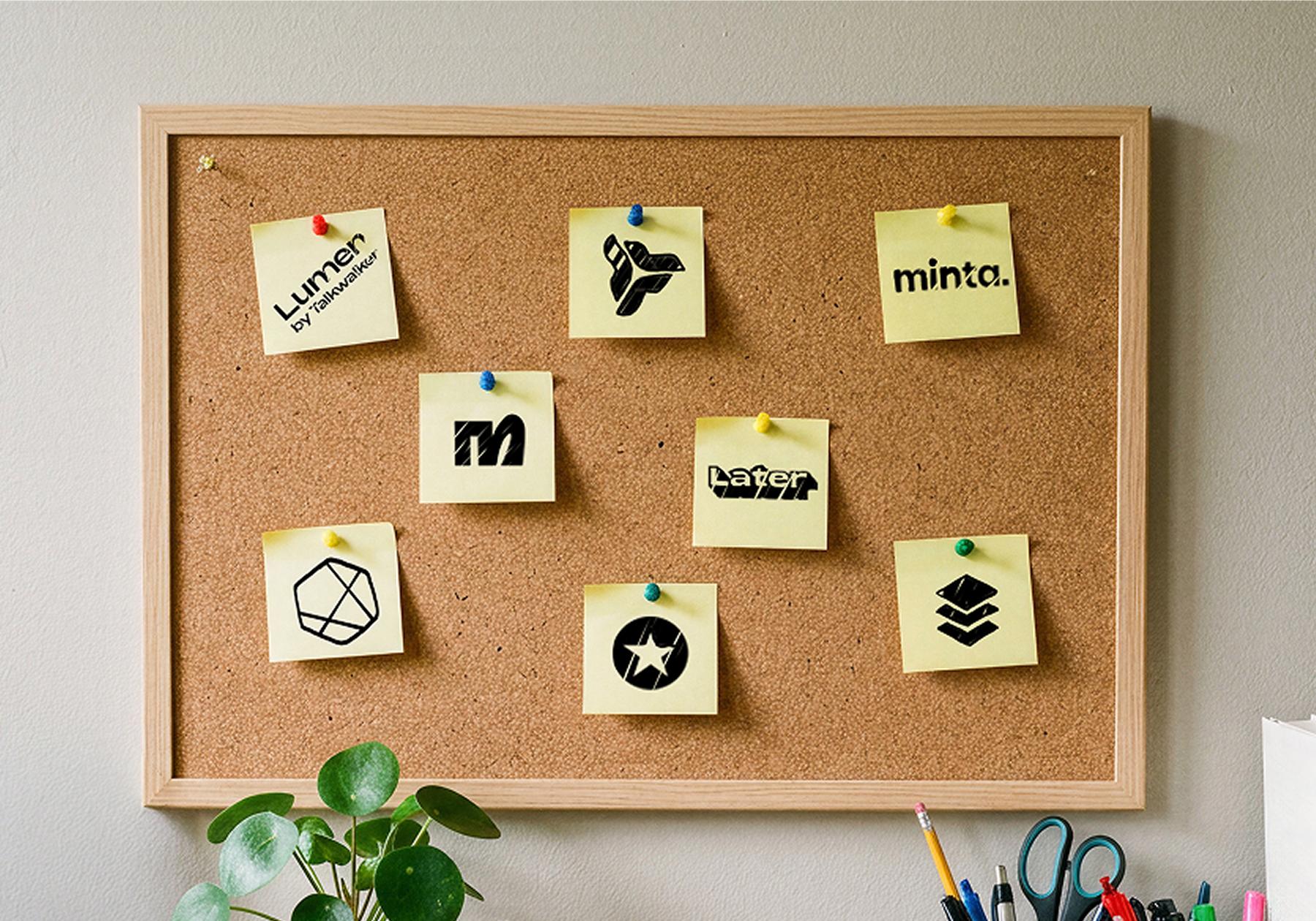
Tap into these tools to lighten your workload so you can focus on what you love most: the actual creative work.
Tool | Best for | Key features | Starting price |
|---|---|---|---|
Manychat | DM and comment automation | Keyword triggers, lead capture, multi-channel | Free plan available |
Planable | Team scheduling and approvals | Visual calendar, approval pipelines, AI captions | Free trial |
Later | Scheduling and creator content | Link in Bio, AI posting times, UGC discovery | Paid plans |
Mention | Social listening | 1B+ sources, sentiment analysis, AI summaries | Paid plans |
Minta | Brand content creation | Catalog-to-content AI, Ad Manager integration | Paid plans |
Buffer | All-in-one management | AI assistant, scheduling, analytics | Free plan available |
Brandwatch | Consumer intelligence | Smart inbox, creator marketing, monitoring | Custom pricing |
Talkwalker | Enterprise listening | Sentiment benchmarking, trend spotting | Custom pricing |
1. Manychat
Manychat is an automation tool that works with Instagram, Facebook, WhatsApp, and, of course, TikTok. Most people use Manychat with TikTok to turn engagement into conversations and then into leads or customers. Instead of sending viewers to a “link in bio,” creators and businesses ask people to comment on a video or send a keyword, and Manychat automatically starts a TikTok DM conversation.
From there, they can share resources, answer questions, collect email addresses or phone numbers, and guide people toward the next step — whether that’s joining a newsletter, booking a call, or visiting a website.
Another major use case is scaling conversations. TikTok creators often receive the same questions repeatedly about products, services, pricing, or content. Manychat helps automate FAQ responses, send personalized content recommendations, and keep engagement going without requiring the creator to reply to every message manually. Businesses also use it for giveaways, lead qualification, and nurturing prospects through follow-up conversations.
2. Planable
As the name implies, Planable is a TikTok planning tool. It's especially handy if you've got a team, since it supports real-time collaboration. The visual lets you see all your upcoming posts for TikTok plus eight other platforms, and when it's go time, Planable's auto-publisher ships them for you. You can also drop your video straight into the editor, trim clips, add effects, and let Planable AI generate the perfect caption.
The collaboration side is the real differentiator. You can set up an approval pipeline so internal team members or external clients can review content before anything goes live. Then, once a post is published, Planable serves up analytics so you always know how much your fans love you.
3. Later
Later started as a social media scheduling tool, but it's grown into a broader social automation tool. You can create, edit, and schedule posts, plus get a custom landing page to drive traffic to, and analytics that measure how your content is performing. Its AI features suggest the best time to post, recommend growth-friendly hashtags, and even write captions.
Later is also great for brands seeking creator- and user-generated content (UGC). Beyond tools to discover the right creators, you can run campaigns directly through the platform, search for all your fans' content about you, and tap Later's social listening suite to see who's talking and how.
4. Mention
Mention is primarily a social listening tool; it tells you who's talking about you, what they're saying, and how it's affecting your brand reputation. It pulls from over one billion sources for real-time monitoring, and you can track your brand name plus custom keywords like competitor names or campaign hashtags.
If you’re drowning in mentions, Mention's daily AI-generated summary keeps you sane, and you can organize mentions and assign tasks for those dreaded damage-control days. Its analytics break things down with sentiment analysis and how much of the conversation you own, so you know exactly how people feel about you versus the competition.
5. Minta
Minta uses AI to create, plan, and post TikTok content. If you’re managing a brand, Minta can analyze your product catalog and automatically generate content from it. From there, the Minta Editor API lets you tailor everything however you want.
You can publish instantly or schedule ahead with a visual calendar that auto-publishes for you.
And it's not just everyday content; Minta works with TikTok Ad Manager to repurpose your content for ads, run tests, and tune campaigns to your audience, with analytics on how it all performs.
6. Buffer
Buffer is a social media management platform that takes you from idea to analytics, and its AI assistant can generate content ideas, give feedback, and adapt posts for different platforms.
You can also bring in human collaborators, then auto-publish content or queue it in the scheduler. Once it's live, you get analytics and insights that sharpen your future content, like your best times to post, what resonates most, and in-depth demographics on who's actually watching.
Compare Buffer to other scheduling tools: How to Plan Your Instagram Feed with a Feed Planner
7. Brandwatch
Brandwatch is built for anyone who wants to get serious about understanding what people are saying about their business and competitors online. Its consumer intelligence tools reveal who loves you and who loves your competition. You can track keywords, use AI to spot new insights, and generate reports on demand. There’s also a market analysis feature that surfaces trends across your industry.
It also offers social media management: a content calendar for paid and organic posts, a content library, approval pipelines, and a genuinely smart inbox where all your engagement lives in one place.
Trying to level up your influencer marketing strategy? Brandwatch's creator marketing solution can help you find creators, manage relationships, and measure campaign results.
8. Talkwalker
Talkwalker is another social listening tool that’s designed to help you understand your audience. Talkwalker pulls from over 30 social networks, 150 million websites, and 100 customer feedback sources to tell you who your audience is and how they're talking about you.
You also get industry benchmarks to see how you stack up, plus mood tracking that flags the moment the tides turn on your reputation. It breaks audience data into useful segments and tells you the prime time to jump on a growing trend, so you'll never be embarrassingly late to a meme again.
Building Your TikTok Automation Stack

The right tools for you depend on what you're actually trying to automate and who's helping you do it. Someone who is at the beginning of their journey as a TikTok creator needs something very different from an agency monitoring 12 TikTok accounts at once.
Run through these questions before you commit:
- What are you automating? DMs and comments point to Manychat; scheduling points to Planable, Later, or Buffer; listening points to Mention, Brandwatch, or Talkwalker.
- What's your budget? Some tools offer genuinely useful free plans; others are enterprise-priced.
- How big is your team? Solo creators rarely need approval pipelines, but agencies live and die by them.
- Do you need multi-channel support? If you're also on Instagram or WhatsApp, social automation tools that serve multiple channels (like Manychat) save you from having to log in to five dashboards.
Most creators end up with a small stack rather than a single comprehensive platform. Start with the task(s) that take up most of your time and build from there.
Read these next:
- How Much Money Can You Make on TikTok?
- From Scroll to Bankroll: Here's Every Way to Monetize on TikTok
- How Do Gifts Work on TikTok? (Open to Find Out)
Frequently asked questions
Yes, you can automate TikTok DM replies, comment responses, content scheduling, and social listening using approved tools that connect through TikTok's official API. Manychat, for example, lets you trigger DMs and comments from keywords and capture leads automatically, all within TikTok's approved system.
TikTok allows automation through official API-based tools and marketing partners, but it prohibits bots that fake engagement, such as auto-likes, auto-follows, or fake comments. As long as your tool works within TikTok's official API, you're in the clear.
TikTok automation uses legitimate, API-approved software to handle real tasks like scheduling and DM replies, while bots typically simulate fake human activity (mass following, auto-liking) and violate TikTok's terms. Legit automation saves you time, while bots put your account at risk.
No. Tools that use TikTok's official API don't negatively affect your reach because they operate within TikTok's approved setup. Fake-engagement bots are a different story and can get your content suppressed.
Manychat offers a free plan that lets you connect to two platforms and run up to four automations at a time. It's a low-risk way to test the waters before scaling up.



Originally published: Mar 21, 2025, Updated: Jun 30, 2026
More stories worth reading
More content that's too good to miss