
It’s 2026. There are more apps on the market than ever before. Between native Instagram features, third-party apps, automation tools, analytics dashboards, and monetization platforms, there are a looooooot of options for creators to sift through.
And knowing which ones actually work? That typically requires some (expensive) trial and error.
Here’s the good news: You don’t need to go through all that. Most creators don’t use dozens of tools; instead, they choose just a few to help them create and post content, engage with their followers, and eventually, monetize.
Let’s discuss.
What Types of Tools Do Instagram Creators Use?

Before you start shopping around for tools, it helps to know what you actually need help with. Most creator tools fall into a few categories, and rather than listing them at random, we’ve organized them below based on the most common creator needs.
Tool type | What it does | Example(s) |
Instagram-native tools | Features within the Instagram app that help you create/publish content, and track its performance | Instagram Insights, Stories, drafts, and scheduling |
Video and photo editing | Tools that help you edit and format content for Instagram | Edits, CapCut, Adobe Lightroom, Canva |
Content planning and scheduling | Platforms that help you visualize and schedule posts | Later, Hootsuite, Buffer |
Engagement | Tools that help you manage comments and DMs and build relationships with your followers | Manychat, LinkDM |
Analytics | Dashboards that provide insights into performance, audience behavior, and content trends | Sprout Social, Meta Business Suite |
Monetization | Programs and tools that help creators earn money and drive conversions | Stan Store, Shopify, Amazon Associates |
Okay, but which tools do creators actually use?
To find out, I asked Ciara Strickland of @thenewmixx, who creates content dedicated to un-gendering style.
Ciara first started posting on Instagram around 2016, when her friends encouraged her to share the polished, suit-forward style she was known for.
“I would do watch overlays. So, I would do a top-down shot where you could see my watch, pants, shoes, and shirt. And from there, I just started posting more outfits.”
At the time, it was just a hobby, but today, Ciara has over half a million followers across Instagram, TikTok, YouTube, and Snapchat. And she monetizes in all the ways creators do: affiliate marketing, brand deals, digital products, and so on.
Ciara has always known who her content is for: the “…girls, gays, and theys,” as she puts it. Even so, she occasionally finds herself connecting with people who don’t exactly fit that description.

“I had this woman come up to me [in public], and she was like, ‘Oh my God, you’re Ciara — The New Mixx!’ And then she told me, ‘I follow you for my husband; you’ve given me so many tips for him.’”
Pretty cool to get recognized in public. But what’s even cooler is that this isn’t even Ciara’s full-time job. She also works at Later as the associate director of client strategy.
In other words, you can trust her when it comes to Instagram creator tools, and I got all of her recommendations for you.
Brainstorming and planning tools
Ciara kicks off her content process by organizing her thoughts. What is she filming next, and when does she plan to post it?
Her ideas occasionally come from trends, but for the most part, they’re thought out in advance. She relies on Notion for this part of the process, using it to collect ideas, inspiration, and notes as they come up.
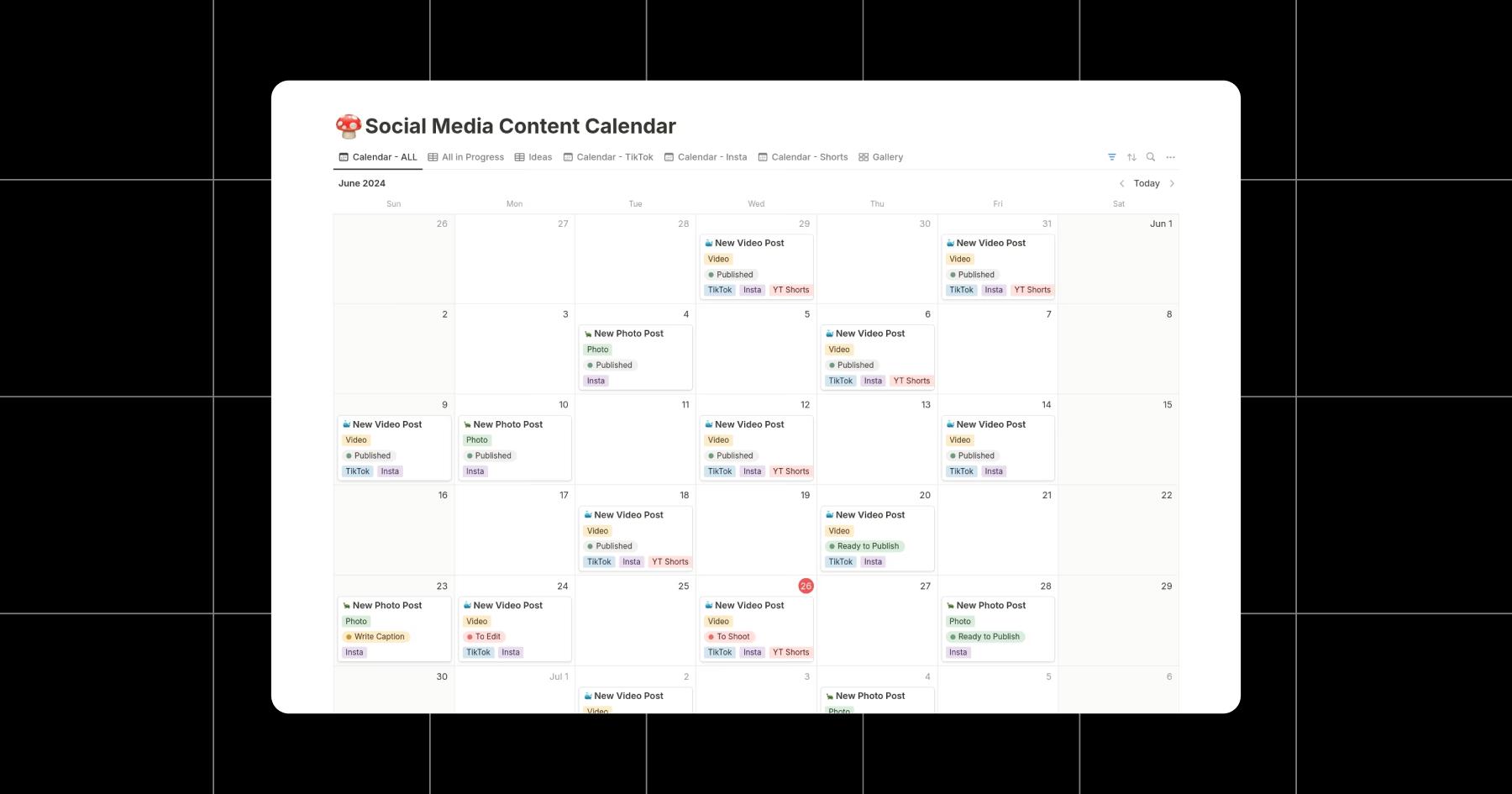
“I’m very type A. I have a Notion board where I break everything out by month. I’ll see something on Pinterest or get inspiration and just drop it in there.”
Alternatives to Notion:
- Google Docs or Sheets (simple planning)
- Trello or Asana (visual task-based planning)
- Good ol’ Apple Notepad (quick, low-friction idea capture)
Editing tools
Once Ciara has a plan, she shifts into creation mode — usually on weekends, when she batch-shoots multiple videos at once. Her editing setup depends on how much control she wants versus how quickly she needs to publish.
For faster edits, she stays close to Instagram. “I love the Edits app. It’s definitely started to come up compared to CapCut.”
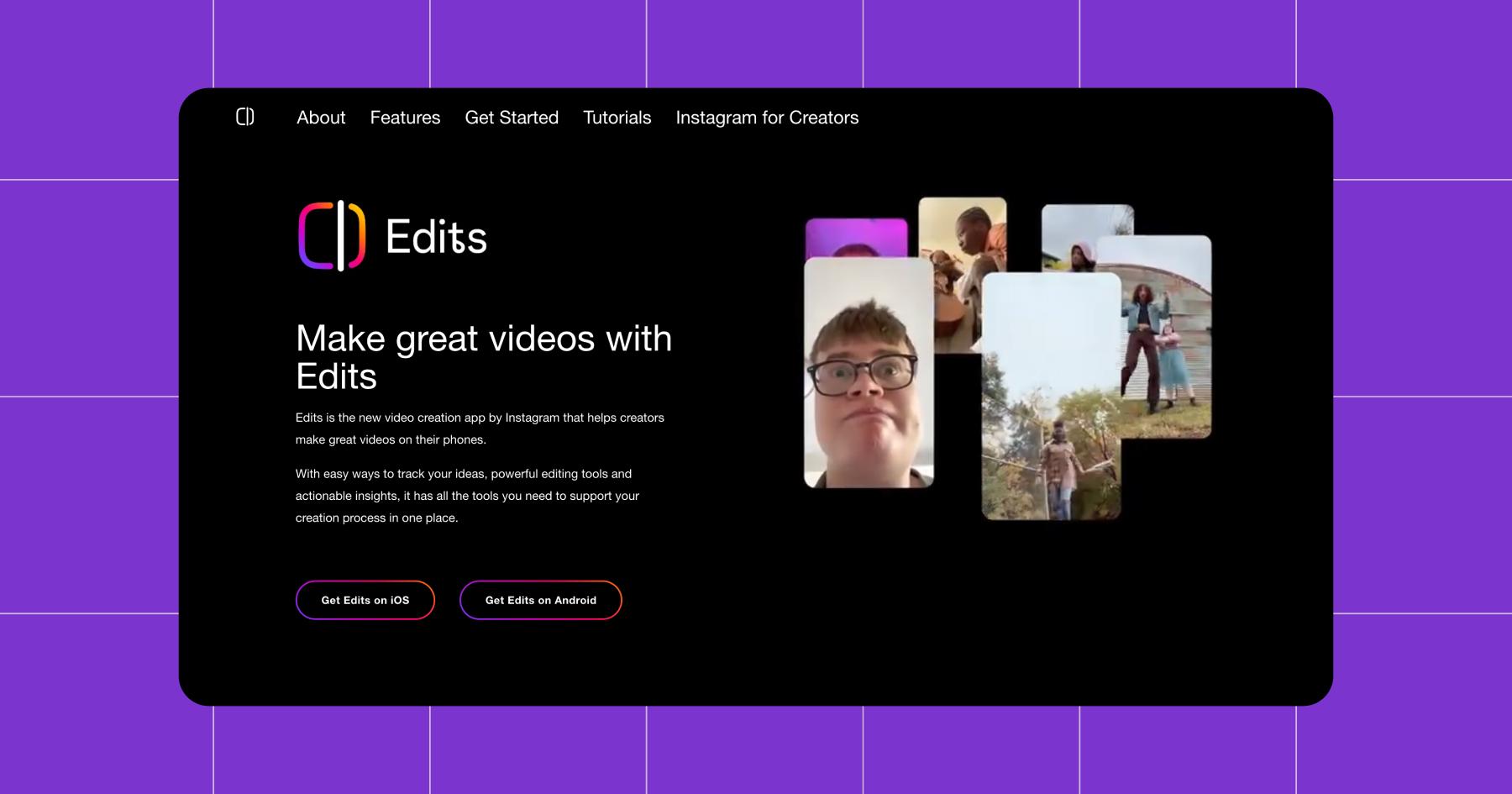
When she wants more precision (especially around text or sound), she reaches for more advanced tools. “If I really want to get super granular with the sounds or texts, I’ll use CapCut or the Adobe Suite. I also use Final Cut Pro.”
Alternatives to Edits:
- Canva (lightweight video and carousel editing)
- InShot (mobile-first video edits)
- DaVinci Resolve (advanced, free desktop editing)
Scheduling tools
After filming and editing, Ciara uses a feed planner to schedule her content, instead of posting manually (except for Stories, which she creates and posts directly in the Instagram app).
For feed content, using a scheduling tool helps her stay consistent without needing to be in the Instagram app all day. Of course, she uses Later for this. In fact, she joked with me when I asked, saying, “Do I use Later? What kind of question is that?”
Fair. 😅
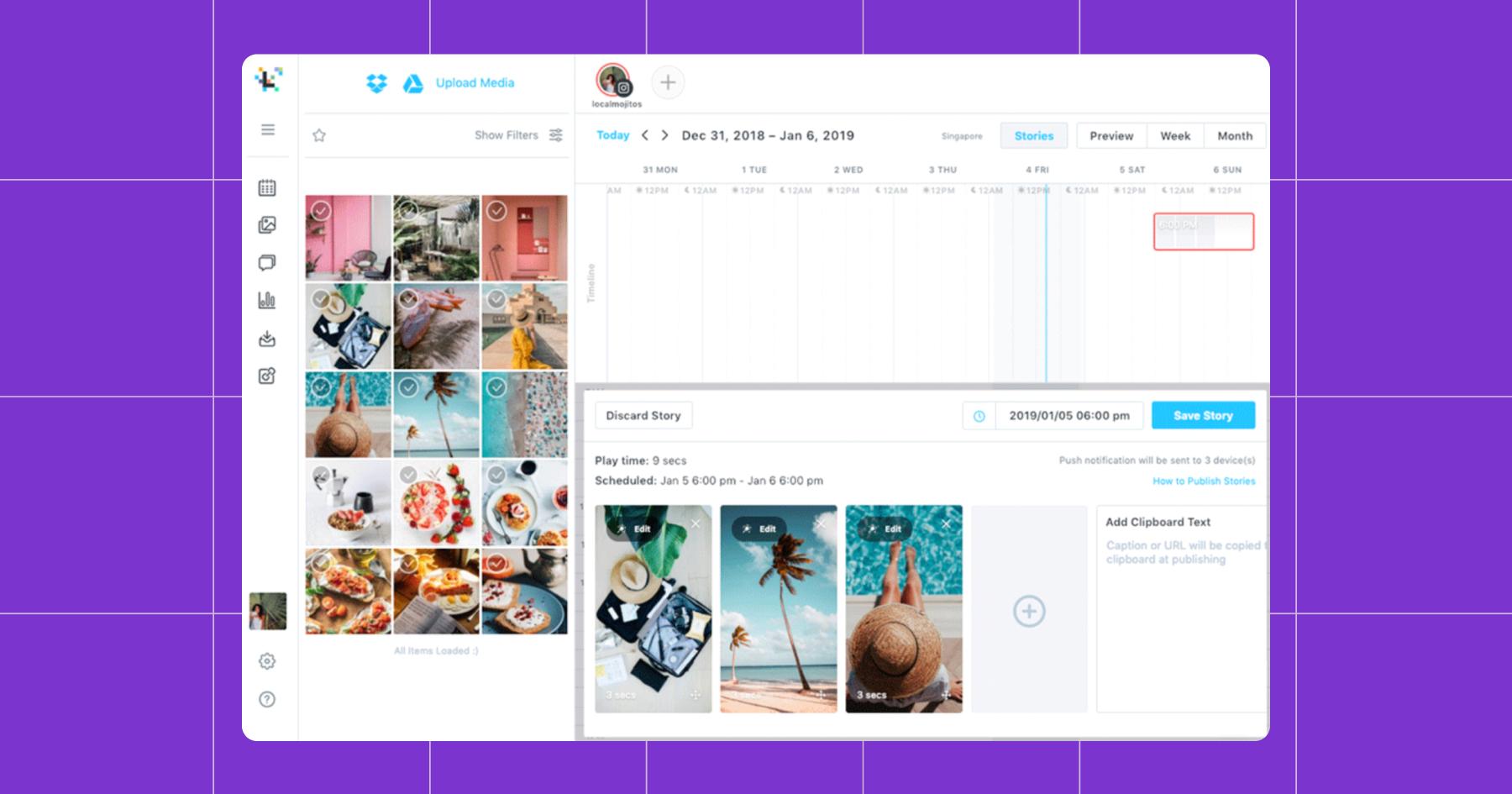
“I use Later for scheduling — even for caption writing. I use it for The New Mixx and my other brand, Dare to be Different (@shop_dtbd).”
Batching content on weekends and scheduling posts in advance gives her breathing room during the week, when she’s working at Later.
Once a post goes live, Ciara pushes it to other platforms automatically using Repurpose.io.
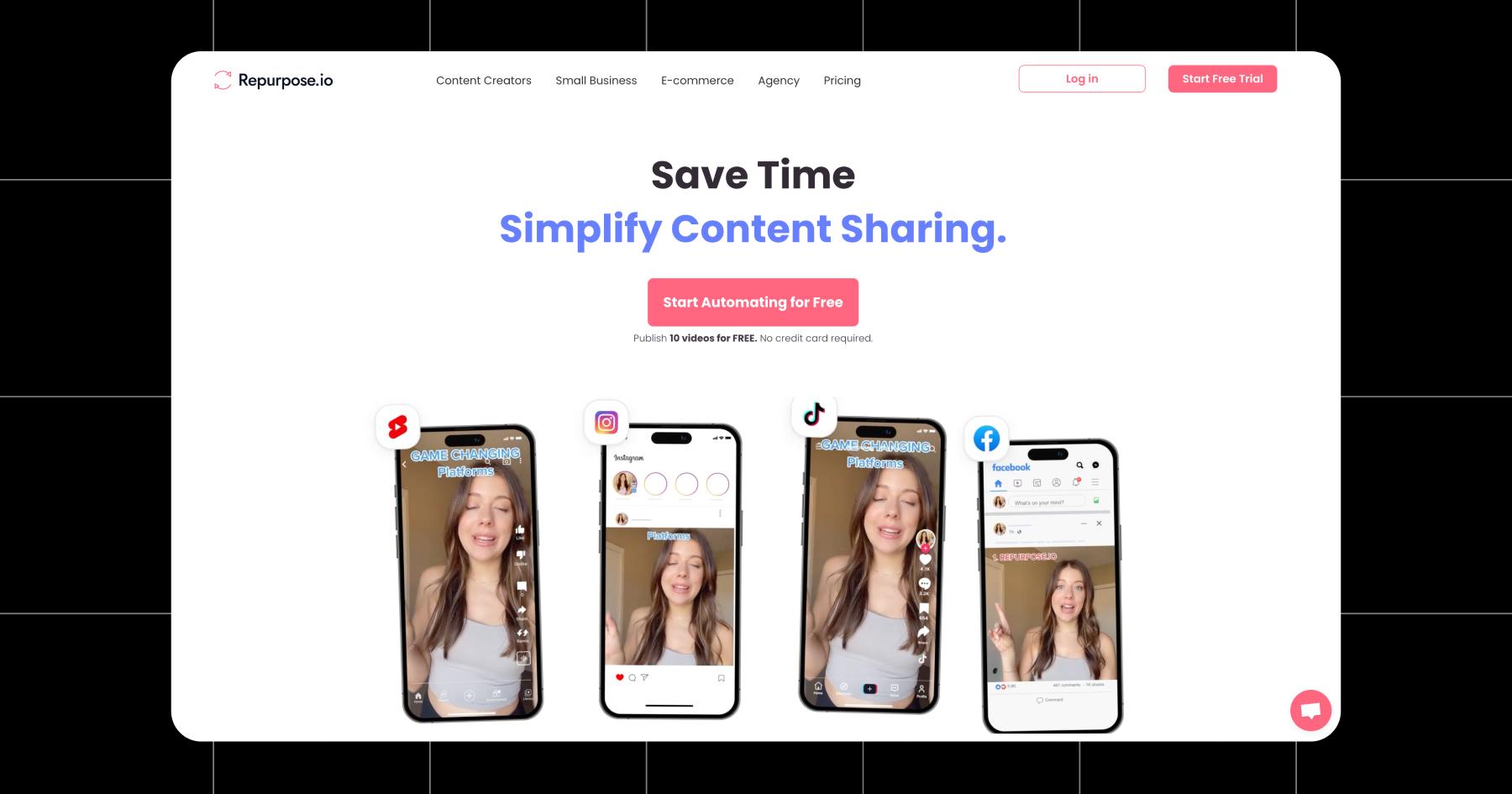
“It triggers from Instagram to TikTok, YouTube, and Snapchat,” she says, explaining that it’s the best way to get as much mileage as possible out of existing content.
Alternatives to Later:
- Buffer (simple scheduling with light analytics)
- Hootsuite (multi-platform scheduling)
- Metricool (repurposing and scheduling)
Engagement tools
When a post goes live, the job isn’t done; that’s the reality for creators.
Those first few minutes after something publishes are prime time for engagement. Responding to comments helps your content get shown to more people by the algorithm, so logging out right after you hit share isn’t a good strategy.
“If I post, I try to go on Instagram within the first 30 minutes to an hour, then I’ll close the app and come back later in the day,” Ciara says.
Then, to manage the repetitive stuff — like sending links to products she’s wearing in her reels — she uses Manychat.
“Hey, this is my outfit. If you like it, comment the word NEED, and I’ll send you the links.”

If you’re new here, sending links via the DMs is one of Manychat’s most popular use cases. But Manychat can do a whole lot more than that. For example, Ciara also uses the Follow to DM feature to greet new followers automatically.
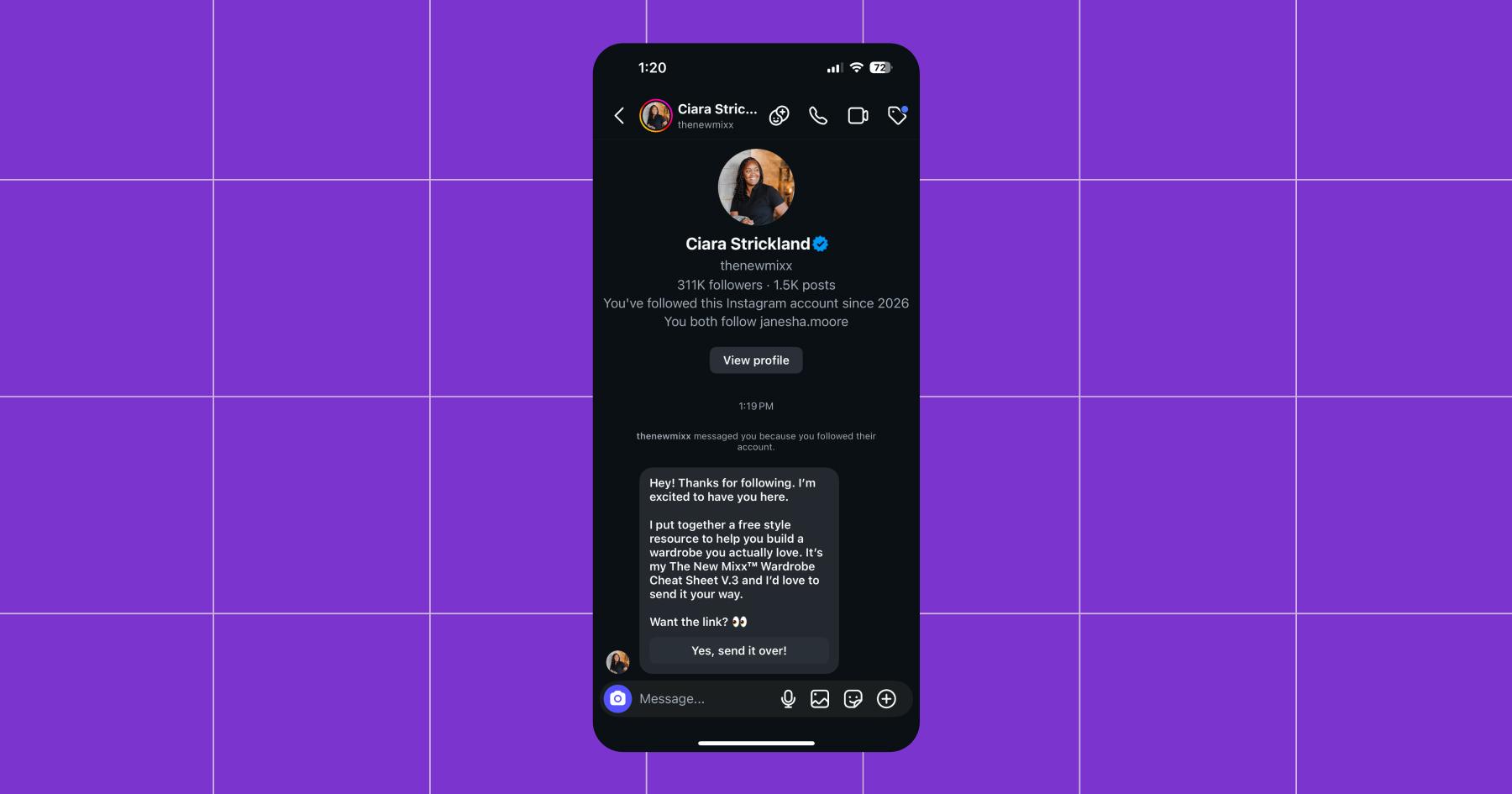
(You can sign up for Manychat for free, BTW. And if you’re not sold on us, see how we stack up against the competition.)
Analytics tools
Ciara doesn’t obsess over metrics daily, but she does review her content’s performance on a regular cadence.
She checks Instagram Insights on a weekly basis, then conducts more in-depth reviews quarterly with her agent to determine what’s worth doubling down on. For the most part, she keeps her strategy grounded in community response. “Follower count matters, but engagement matters more — comments, shares, reposts,” she says.
Insights give creators a way to understand how their Instagram content is performing without relying on third-party tools. You can use it to track reach, engagement, saves, shares, and audience demographics across posts, Reels, and Stories.
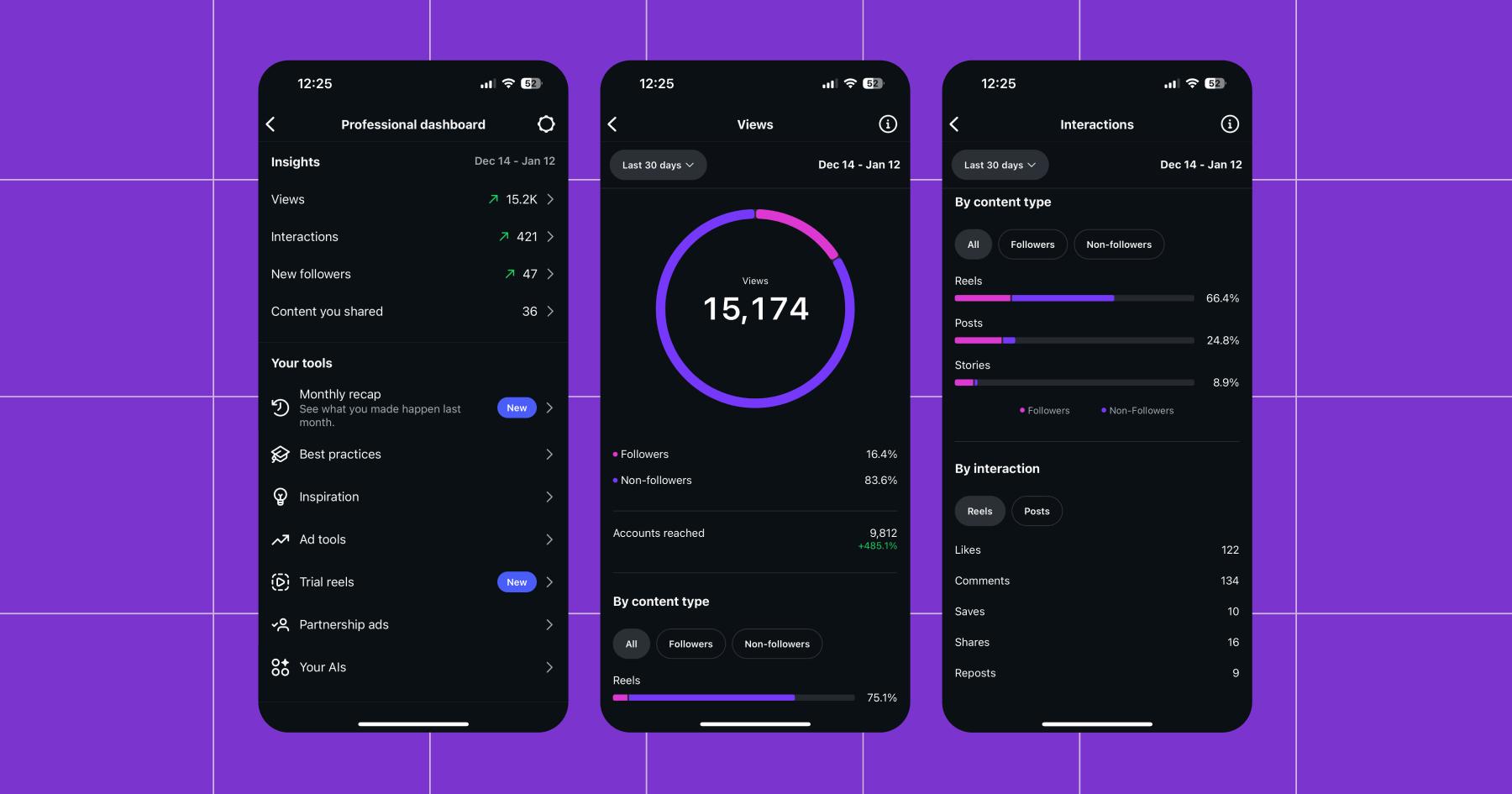
For many creators, this data is more than enough to determine what formats perform best, which topics resonate, and when followers are most active.
Alternatives to Instagram Insights:
- Sprout Social
- Hootsuite
- Google Analytics (for off-platform traffic)
Monetization tools
For Ciara, monetization isn’t a single tactic; it’s a comprehensive system. She relies on brand deals, affiliate links, and digital products to monetize, with Stan Store acting as her central storefront. She keeps the link to her Stan Store in her Instagram bio, so followers can easily find everything she has to offer, like her Amazon Associate and LTK storefronts.
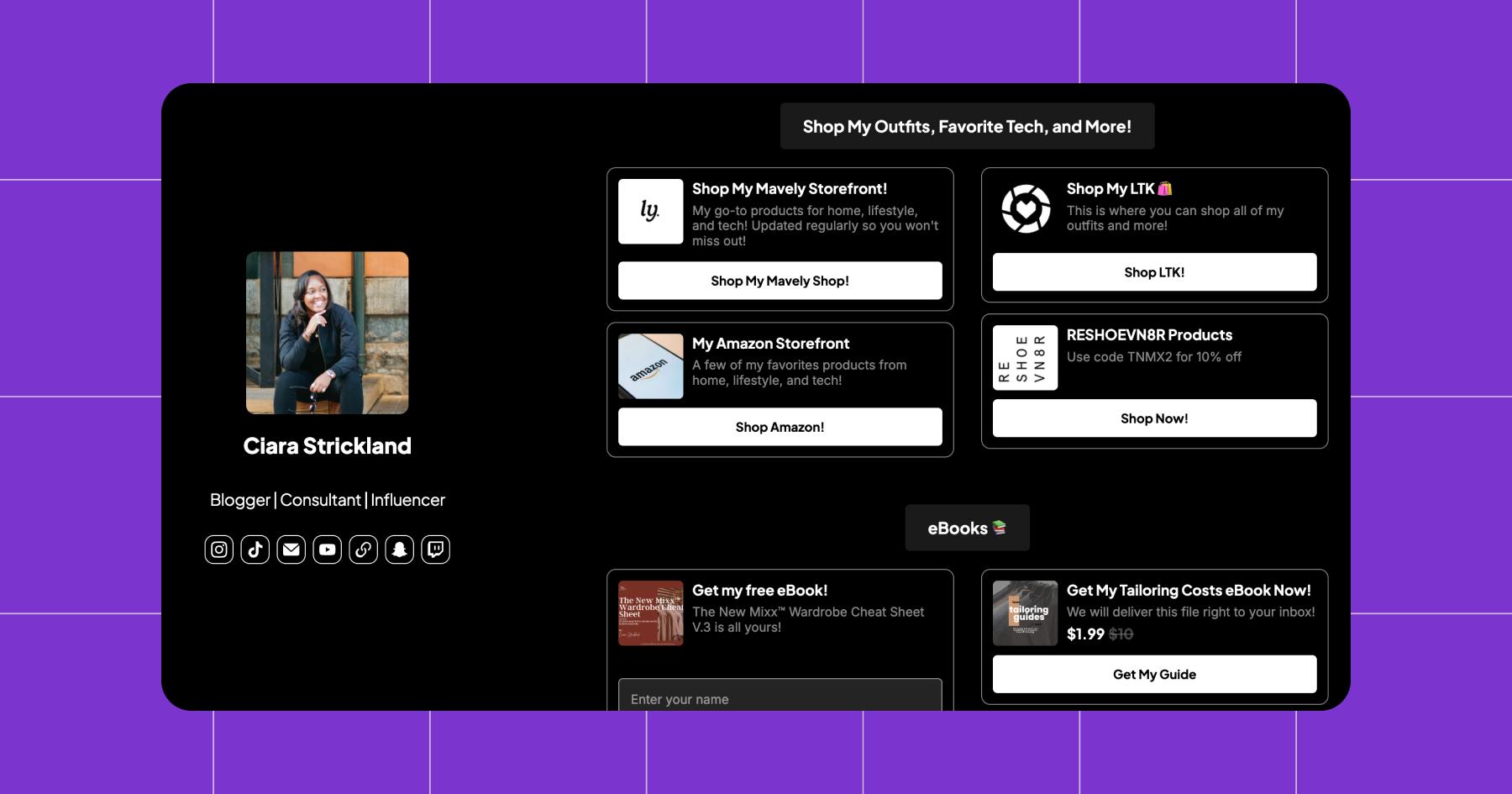
“Stan Store is really just my landing page. I like the setup of it,” she says.
She also hosts one of her most effective lead magnets here — the Wardrobe Cheat Sheet eBook — which she offers to followers for free in exchange for their email address.
“I update it every couple of months to make sure links are still working. People love having something tangible outside of just my content.”
When someone downloads the eBook, they’re automatically added to her email list, where she sends weekly newsletters through Kit. “I try to send a newsletter every Sunday with my favorite finds for the week,” she says.
Ciara also uses Stan Store to host digital products, like her Tailoring Costs eBook, which gives her a way to monetize without relying on brand deals or platform payouts.
Alternatives to Stan Store:
- Linktree (another link-in-bio tool)
- Gumroad (digital products)
- Shopify (eCommerce store)
The Perfect Tech Stack is the One That Works for You

What works for one creator is overkill for another.
Ciara’s setup works because it’s intentional. She:
- plans before she creates,
- chooses editing tools based on speed versus control,
- schedules content to protect her time,
- uses automation to handle repetitive tasks, and
- monetizes in ways that don’t interrupt the content experience.
And just as importantly, she reassesses what’s working instead of compulsively adding more tools to the mix.
If you’re building your own creator workflow, start with the basics: Identify where you actually need support, lean on Instagram’s native tools first, and add third-party platforms only when they save you time or help you grow more sustainably.
Same-same, but different: The Best TikTok Tools for Editing, Engaging, Cross-Posting, and More
Frequently asked questions
Not necessarily. Many creators can get started using Instagram’s native tools alone, especially for posting, basic analytics, and engagement. Third-party tools become useful when creators want to save time, post more consistently, automate repetitive tasks, or monetize their content more effectively.
For beginners, the best Instagram creator tools are simple platforms that support consistency without overwhelm. Instagram’s native tools, a basic planning system (like Notion or Google Docs), and a lightweight scheduling or engagement tool are often enough to start creating and growing confidently.



Originally published: Jan 29, 2026, Updated: Jan 29, 2026
More stories worth reading
More content that's too good to miss