TikTok Automation is Here: Here’s What Manychat Users Can Actually Do With It

One TikTok video takes off. Your views are up. Your phone is hot enough to make a responsible adult consider putting it in a bowl of rice.
The inbox fills with variations on the same questions:
What’s the recipe?
Do you ship to Canada?
Can you send me the link?
Is this available in a size small?
Sorry, one more thing…
There’s a particular kind of success that creates more work than you can reasonably do by hand. TikTok is very good at getting people interested, but interest tends to arrive as a pile of messages, often while you’re doing something as radical as not looking at your phone.
That’s the gap Manychat and TikTok set out to close together: the space between “I saw your video” and “Okay, what do I do next?”
From Beta to a TikTok Partnership

Manychat first opened TikTok messaging automation in beta in January 2025. The early version gave eligible businesses a way to automate parts of their TikTok inboxes while the product was still taking shape.
In January 2026, Manychat announced its TikTok integration in the U.S., built in collaboration with TikTok, which brought an approved messaging integration to a platform where creators and businesses were already having conversations about products, services, and what to do next.
By September 2026, TikTok automation was available in more places, with some important regional and account requirements. The feature set had also grown well beyond “send a reply when someone types a word.”
So if you’ve seen an older description of the beta, there have been changes. We’ll cover what you can automate now, where the limits are, and how to build something useful.
What TikTok Automation Does

TikTok automation lets you set up responses and conversation paths for TikTok messages in Manychat. A person can enter a conversation by messaging a keyword, clicking a personalized link, or scanning a QR code. From there, an automation can answer a question, share content, collect information, or point them toward a person on your team.
Think of it as a capable assistant for the repeatable parts of your inbox. It can send the sizing guide for the 50th time. It can ask someone what kind of advice they’re looking for. It can route a promising lead to the right teammate.
It cannot decide if your brand should sound like a person who has recently been trapped in an airport lounge. That’s still on you.
A good automation has three parts:
- An entry point: What gets the conversation started?
- A useful response: What does the person actually need?
- A next step: Should they get a link, answer a question, share their email, or talk to your team?
When all three work together, automation can make your inbox feel more responsive without making your business feel less human.
How Someone Gets Into an Automation

It shouldn’t be an accident; it should be intentional.
The keyword: “DM me the word…”
A keyword trigger starts an automation when someone sends a word or phrase you’ve set up. In a video, you might say, “DM me PLAN, and I’ll send you the starter guide.”
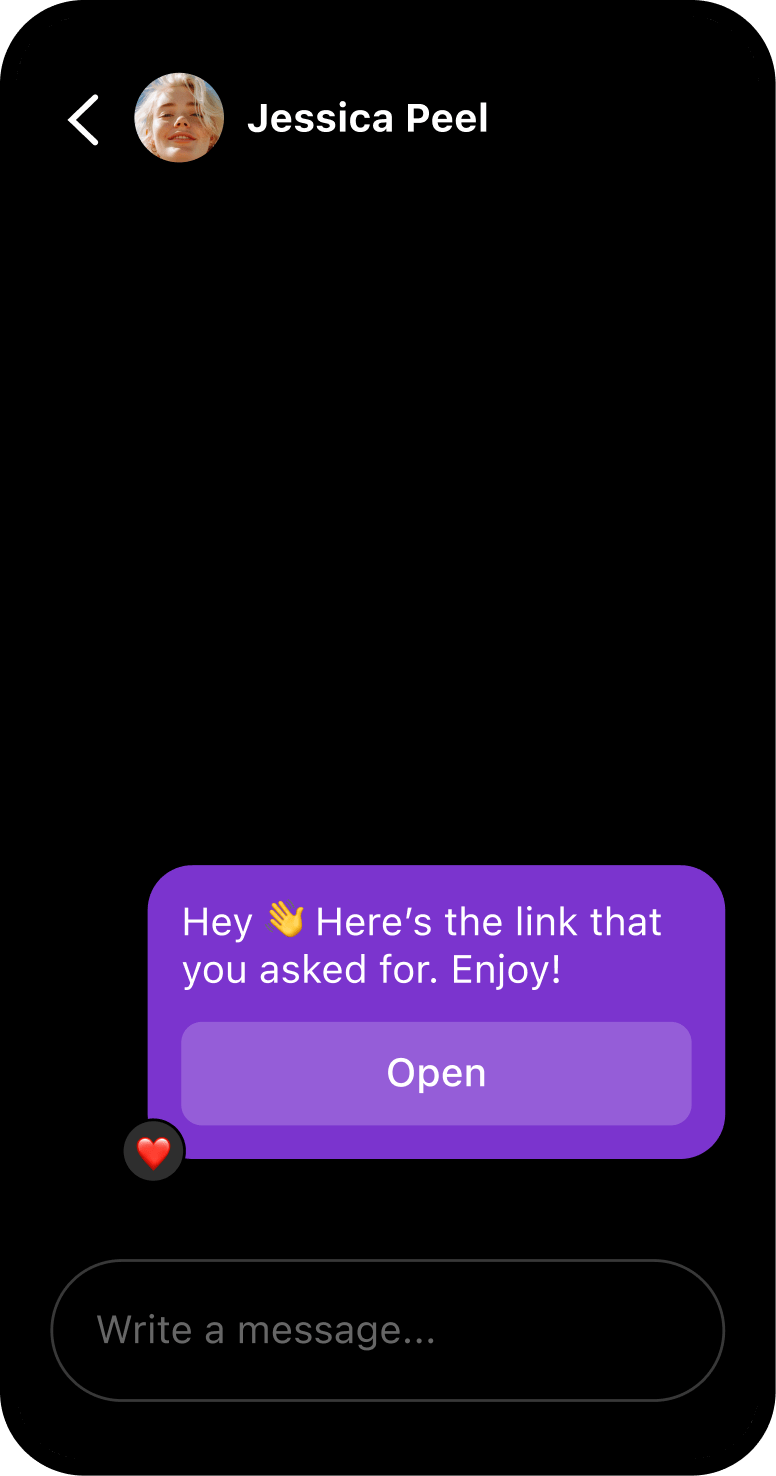
When someone sends PLAN, Manychat can reply with the guide or walk them through a short follow-up. You could ask whether they’re just getting started or already have a routine, then send the relevant tips. The small but mighty difference: the reply connects to what they asked for, rather than dropping a random link into the chat and hoping for the best.
Keywords work well when the offer is simple and easy to remember: MENU, SIZE, WAITLIST, CHECKLIST. If the word needs a pronunciation guide and a notarized affidavit, pick another word.
The Ref URL: a link that opens a conversation
A Ref URL is a personalized link that opens a TikTok DM conversation connected to an automation.
Use a link in an email, landing page, ad, or link-in-bio tool. Put a QR code on packaging, a flyer, or a sign at an event. The path from “I’m interested” to “I’m in the inbox” gets a little less scavenger-hunt-y.
The QR code: the offline-to-inbox portal
A QR code trigger launches a TikTok DM automation when someone scans the code. Put one on a product insert, flyer, receipt, event sign, or anywhere a person might have a phone and a question.
A skincare brand could put a QR code on a product card that opens a routine-building conversation. A creator at an event could use one to share a resource with attendees. A shop could send people to a product FAQ without printing a novel on the packaging.
Set up the messages your inbox needs all the time
TikTok automations include a few useful always-on tools.
- Welcome message: Greet people when they open a chat with your business and point them toward a useful next step.
- Default reply: Respond when a message doesn’t match one of your keyword triggers.
- Suggested questions: Offer up to three common questions people can tap to start a conversation.
- Data collection: Ask for information such as an email address, phone number, name, location, or preference. Feature availability can depend on your Manychat plan.
- Inbox and assignment: Manage TikTok conversations in Manychat Inbox and assign chats to team members.
- Automation Converter: Adapt an existing Instagram or WhatsApp flow for TikTok, then edit it to fit the channel.
Use these to make it easier for someone to get started, even when you’re filming, fulfilling orders, or offline.
Seven Ways to Use TikTok Automation

The right automation starts with a real job to do. Here are seven.
- Grow an email list. Offer a checklist, guide, or launch update in exchange for an email address. A data collection step can ask for the information inside the conversation.
- Build an SMS or WhatsApp list. Invite people to opt in to future updates. WhatsApp can also support deeper sales conversations in relevant markets.
- Answer FAQs. Provide quick answers to repeat questions about hours, products, shipping, bookings, or availability.
- Run a giveaway. Let people message a keyword to get the entry details, then send a confirmation or follow-up.
- Share personalized content. Ask what someone is interested in, then send the tips or resources that fit their answer.
- Route a warm lead to a person. Use Manychat Inbox to manage TikTok conversations, assign chats to a teammate, and bring a live agent into higher-intent conversations.
- Send people to a website. Share a relevant page or offer in a TikTok message. Keep in mind that links in messages are clickable, but buttons can’t currently link directly to a website. Buttons can still guide someone to another message in the flow, for example, to choose a product category before you share the relevant page.
An automation can create a path, but the path should make sense for the person on the other end. A freebie should be worth the email address. A follow-up should relate to what they asked for. And a high-stakes customer question may deserve a human.
Where you build and manage it
TikTok automations are built in Manychat’s Flow Builder, a visual tool for creating conversations. TikTok isn’t supported in Quick Automations or Easy Builder.
If you already have an automation for Instagram or WhatsApp, Manychat’s Automation Converter can help you adapt a flow for TikTok. You’ll still want to review the copy and steps for the channel; a conversation that feels natural in one inbox may need a few edits in another.
Manychat Inbox also lets you manage TikTok messages in one place, add team members, and assign conversations. That’s useful when you’re separating routine questions from the “I’m ready to buy, can someone help me?” messages.
Who can use it?
As of Sept. 2026, TikTok automation is available in all geographies except the European Union, the United Kingdom, and Switzerland.
Your TikTok account must have Advanced Access or be a Verified Business Account. Advanced Access is available when a TikTok account is linked to a TikTok for Business account or an unverified Business Center. Verified Business Account is the tier formerly known as Registered Business Account.
TikTok’s account tiers and regional availability can change, so check the latest requirements in Manychat before connecting an account.
Build The Boring Part; Keep The Human Part

A practical first automation doesn’t need seven branches and a dramatic soundtrack. Start with the question you answer most often.
Say you sell handmade ceramics, and the question is, “Can I see the current colors?” You could invite people to DM COLORS, send a quick reply with clickable links to the collection, and offer a second step for someone who wants help choosing a piece. If the conversation turns into a custom order, route it to a person.
TikTok can bring someone to the door. A good conversation helps them decide where to go next.
Ready to build yours? Connect an eligible TikTok account in Manychat, open Flow Builder, and start with the question your inbox pesters you with the most.
The availability of TikTok automation and account requirements may change. As of October 2026, the feature is unavailable in the European Union, the United Kingdom, and Switzerland.


Originally published: Jan 27, 2025, Updated: Oct 30, 2026
More stories worth reading
More content that's too good to miss