TikTok Filters: An Easy Way to Participate in What’s Trending
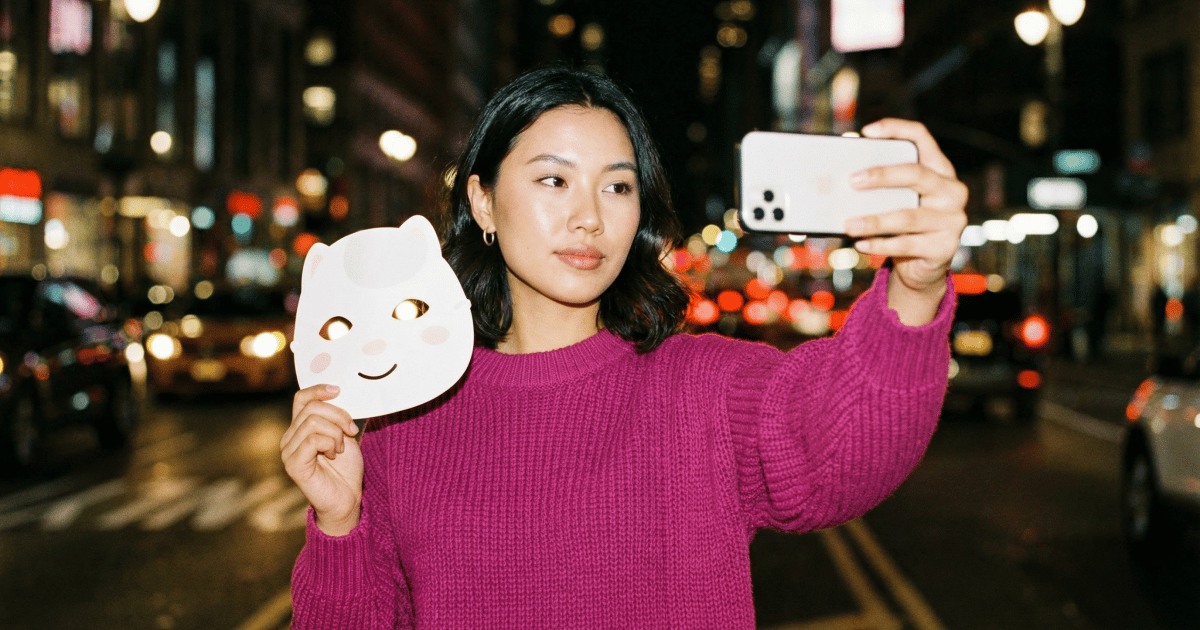
Ever wanted to yassify yourself? Or turn into a pickle? Maybe burst into a ball of flames before emerging as a phoenix?
Good news: Now you can (or at least look like you are). TikTok filters make it possible to do all of these things and then post them to the feed. All you need is a phone and the TikTok app.
How TikTok Filters Work

Before we go any further, an important distinction: There are TikTok filters and TikTok effects. What you’re probably here for is actually the latter (effects).
- TikTok filters are visual overlays, such as sepia, black and white, and other color adjustments, that alter the visual feel of your video.
- TikTok effects are interactive or augmented features that change how your video looks and behaves in real time (face tracking, green screen, games, transformations, and more).
Effects are what most people refer to when they say “TikTok filters.” TikTok’s actual filters don’t even have a dedicated support page, while effects have an entire help center section explaining how they work.
For this piece, I’m going to use the two terms interchangeably, since that’s how they’re used in real life. (And I’ll still tell you how to find the filters if that’s what you’re here for.)
TikTok effects
TikTok effects have been around since 2021. Back then, TikTok had just launched Effect House, a desktop tool that allowed anyone to design their own effects.
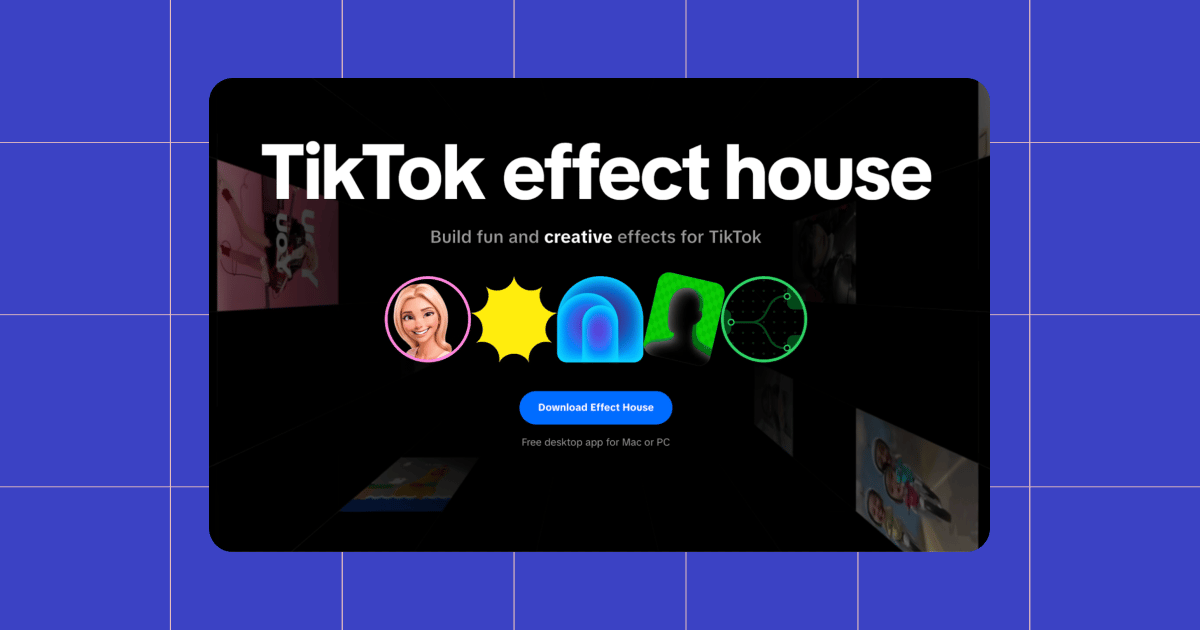
More recently, TikTok made effect creation even more accessible by rolling out a mobile effect editor directly inside TikTok.
If you have the TikTok app, you can create interactive effects without needing to download extra software or have technical experience. And between built-in templates, thousands of assets, and interaction triggers like taps, smiles, and winks, TikTok has essentially turned effects into a playground (weeeee!). 🛝
Why use TikTok filters?
Some of the biggest TikTok cultural moments — from that time when everyone was doing face-shape analysis to the nonstop barrage of “which character are you?” content — were built entirely around effects. Effects help drive engagement because they give people something to react to, and often, recreate. In fact, most viral formats start with this formula:
Sound + Effect + Prompt
Participatory culture is a huge part of what makes TikTok feel different from every other platform. On Instagram Reels or YouTube Shorts, most of us watch, maybe give it a like, and keep scrolling. On TikTok, there’s a much higher chance you’ll see a video and think: “I could make my own version of that!” That’s how music, memes, dances, and filters turn into repeatable formats that anyone can riff on.
Additionally, filters make creating content easier. All you need to do is open TikTok, tap effects, and let a trending filter tell you what to post. The effect is the idea. Plus, they help your content feel native to TikTok, not recycled from somewhere else.
How to access TikTok filters
If you’re here for the honest-to-goodness TikTok filters, all you need to do to find them is open the TikTok app, hit the +, and tap the Filters button in the right side menu. Here, you will find filters organized by category, including Portrait, Landscape, Retro, Film, Food, and more. (Please enjoy this photo of my cat with a dramatic B&W TikTok filter.)
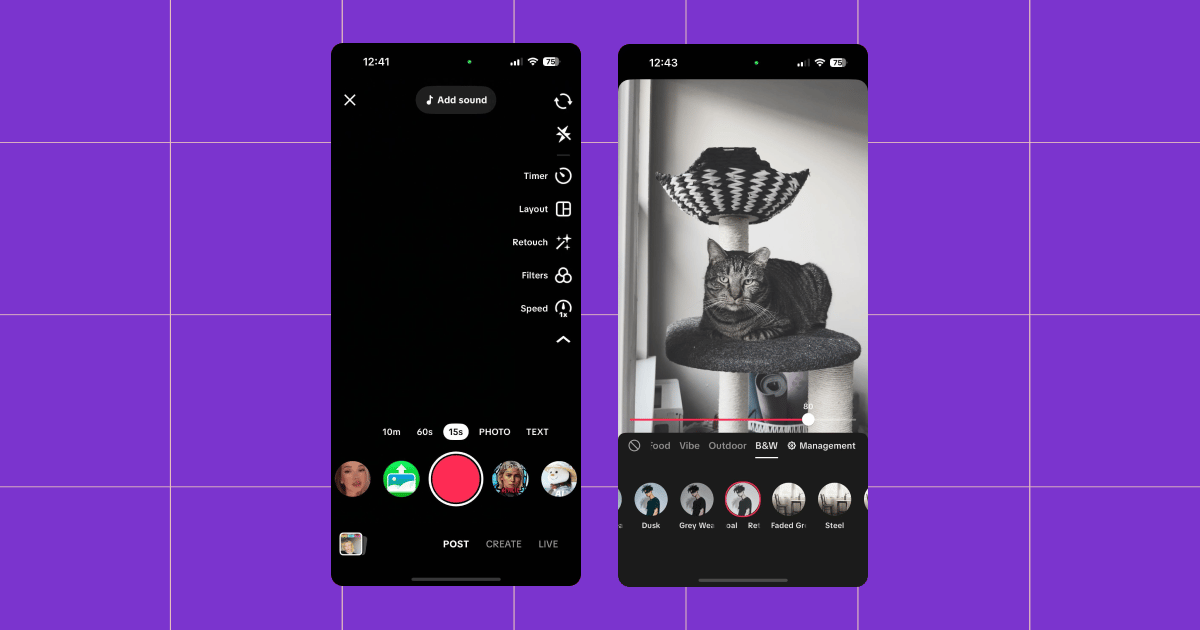
To access TikTok effects, the process is similar.
- Open the TikTok app and hit the +.
- At the bottom center of the screen, swipe left or right to view options.
- Hit the “All effects” button when it pops up (should be after the first swipe).
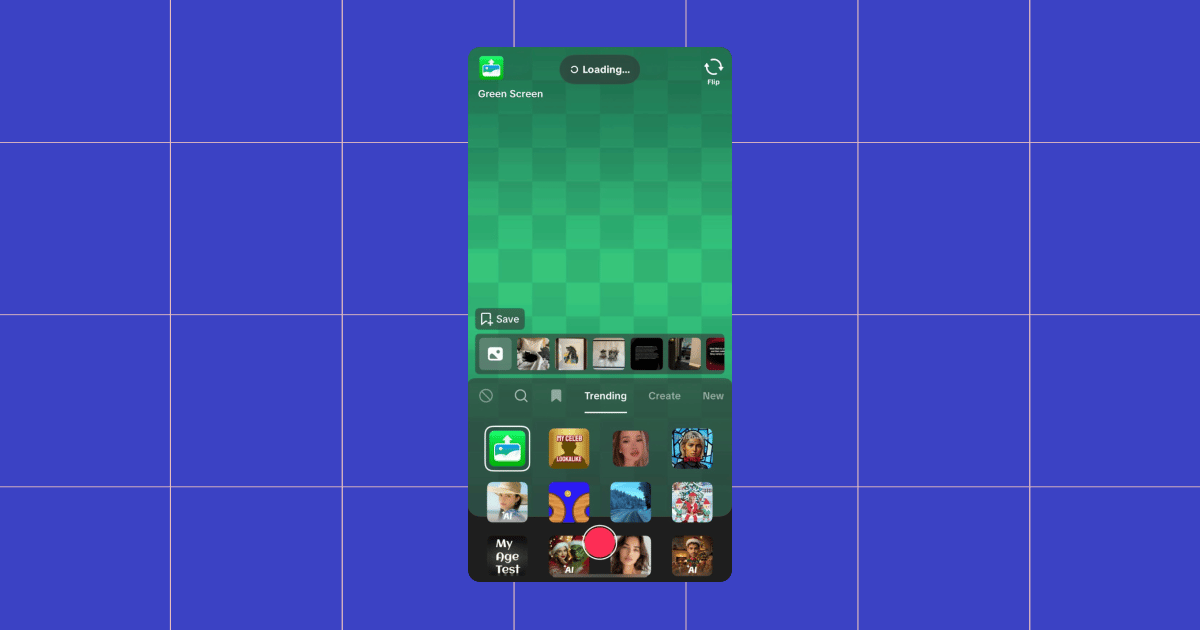
💡Tip: Visit the Trending tab to see what’s hot right now.
Using Trending Filters to Create TikTok Content

When you hit a wall but still want to post, the trending effects section is where to go. Many of the filters in there will be timely. For instance, if you look closely at the screenshot above, you’ll see a lot of holiday-themed ones (I’m writing this in December).
Just open the app, pick one, hit record, and see what happens.
Green screen filters
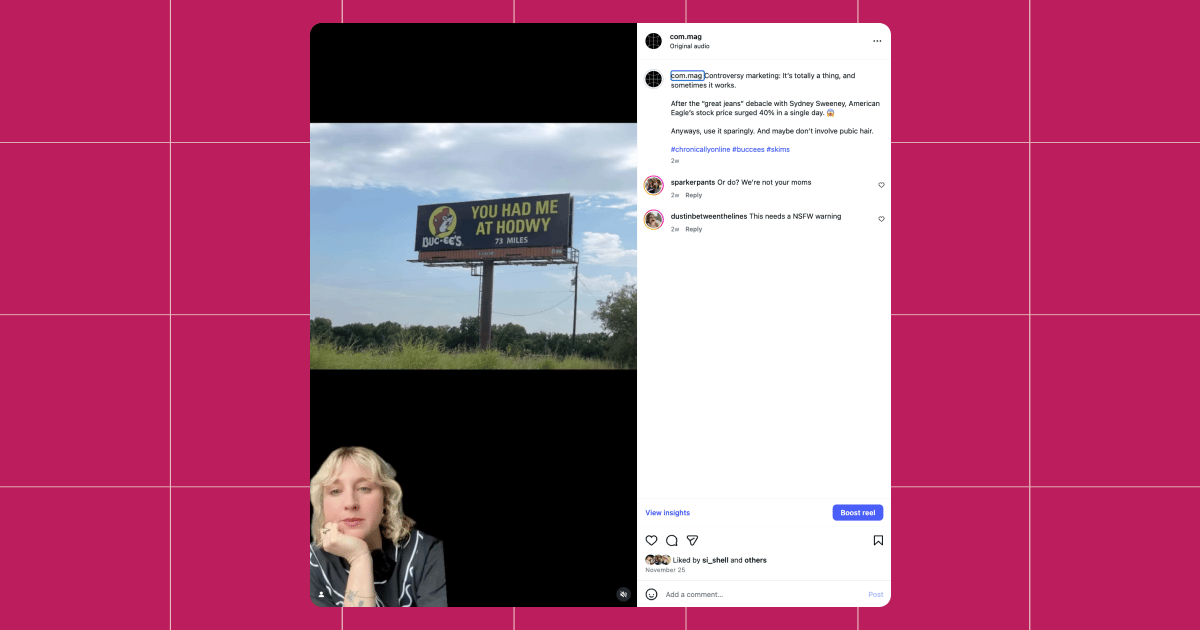
There are many green screen effects on TikTok, and you’ll often see them trending because of their versatility. Creators use the green screen effect to react to headlines or other content, explain ideas with visuals, share screenshots or “receipts,” and give commentary without needing fancy edits. It’s one of the easiest ways to turn something you’re already looking at into a video.
For example, we use TikTok’s green screen effect to record videos for Chronically Online Magazine’s Instagram account (follow us!) since Instagram doesn’t have a comparable feature.
Games and AR filters
Game and AR (augmented reality) filters are popular on TikTok, and new ones pop up every day. These effects often use face tracking, taps, or gestures to trigger outcomes. They usually include randomizers, mini games, or reveals. The aforementioned “which character are you” format is an example of this.
While researching for this article, I tried a few AR and game filters and found them easy to use. I can definitely see why filters of this nature spread so quickly. But because there are so many of them, their time in the trending section is often short-lived.
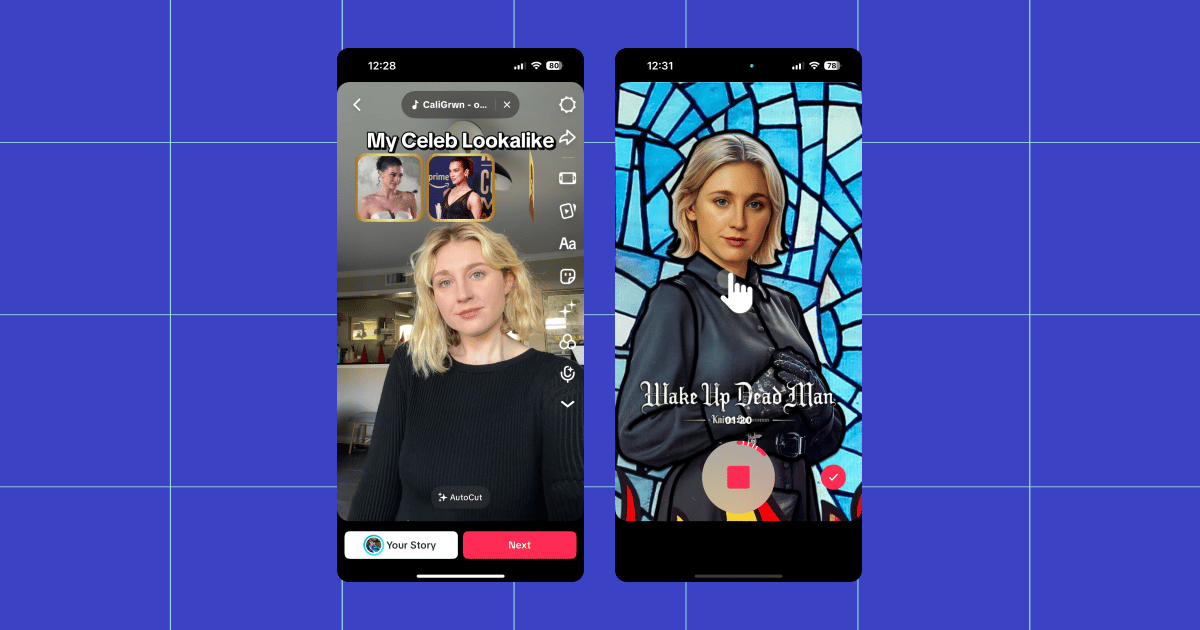
(I don’t think I look like Kylie Jenner either.)
Beauty filters
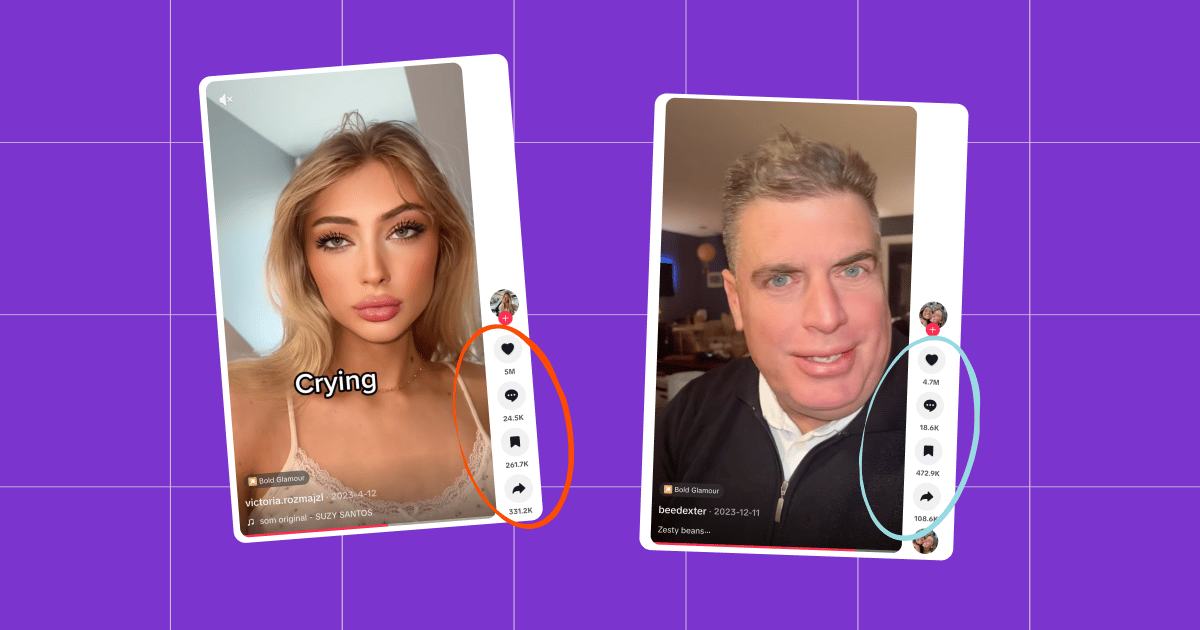
Need a glow-up in three seconds? Head over to TikTok. Beauty effects are some of the most widely used (and most controversial) filters on TikTok. These effects enhance facial features, smooth skin, adjust lighting, or apply hyper-realistic makeup and facial changes. Unlike basic color filters, they track facial movement, which is why they feel more immersive and, in some cases, almost too real.
Creators use these effects in a few ways: glow-up videos, before-and-after transformations, reaction content, and commentary about the effects themselves.
One of the most famous examples is the Bold Glamour effect, which has sparked massive discourse over the years. Many TikTokers have used it as a conversation starter, reacting to the intensity of the transformation and comparing it to traditional makeup.
Text-based and prompt effects
Prompt effects are designed to remove the hardest part of creating content: figuring out what to say. These effects place on-screen text prompts directly into the video, often telling you exactly how to respond — whether that’s answering a question, sharing a confession, or reacting to a specific scenario.
Creators typically use these effects by filming a simple reaction, letting the prompt guide the direction of the video.
Some of TikTok’s most recognizable trends, like POV formats, confession-style videos, or “say it or else” challenges, rely on prompt-based effects. And because they’re easy to replicate and require minimal setup, text-based effects often take off quickly.
Find More Ways to Take Off on TikTok

TikTok filters are just one way to up your content game and get it in front of more people. There are plenty of other ways to keep things fresh.
Check out other TikTok content to keep the momentum going:
- The TikTok Algorithm: What Works And How to Get More Views
- From Scroll to Bankroll: Here’s Every Way to Monetize on TikTok
- Business or Personal: Which TikTok Account Type is Best For You?
BTW: Manychat is an official TikTok Business Partner. 🤝 Want to make sure every comment on your next viral video gets a response? Sign up for Manychat (it’s free).
✋Frequently Asked Questions (FAQs)
Frequently asked questions
Short answer: not on their own. However, effects that encourage engagement absolutely help your video perform better, as TikTok’s algorithm prioritizes interaction signals, such as watch time, likes, shares, and favorites.
If your goal is reach and participation, sure. Trending and timely effects act as creative scaffolding that helps viewers understand what your video is before they watch it.
Filters tweak color and tone. Effects do the heavy lifting — animation, augmented reality, face tracking, gameplay-style interactions, and meme formats.
Some research suggests that a heavy reliance on beauty filters has complex effects on how users perceive their appearance, especially with younger audiences. Use them sparingly if you’re concerned about this consequence.



Originally published: Jan 7, 2026, Updated: Jan 7, 2026
More stories worth reading
More content that's too good to miss